
没优化之前:
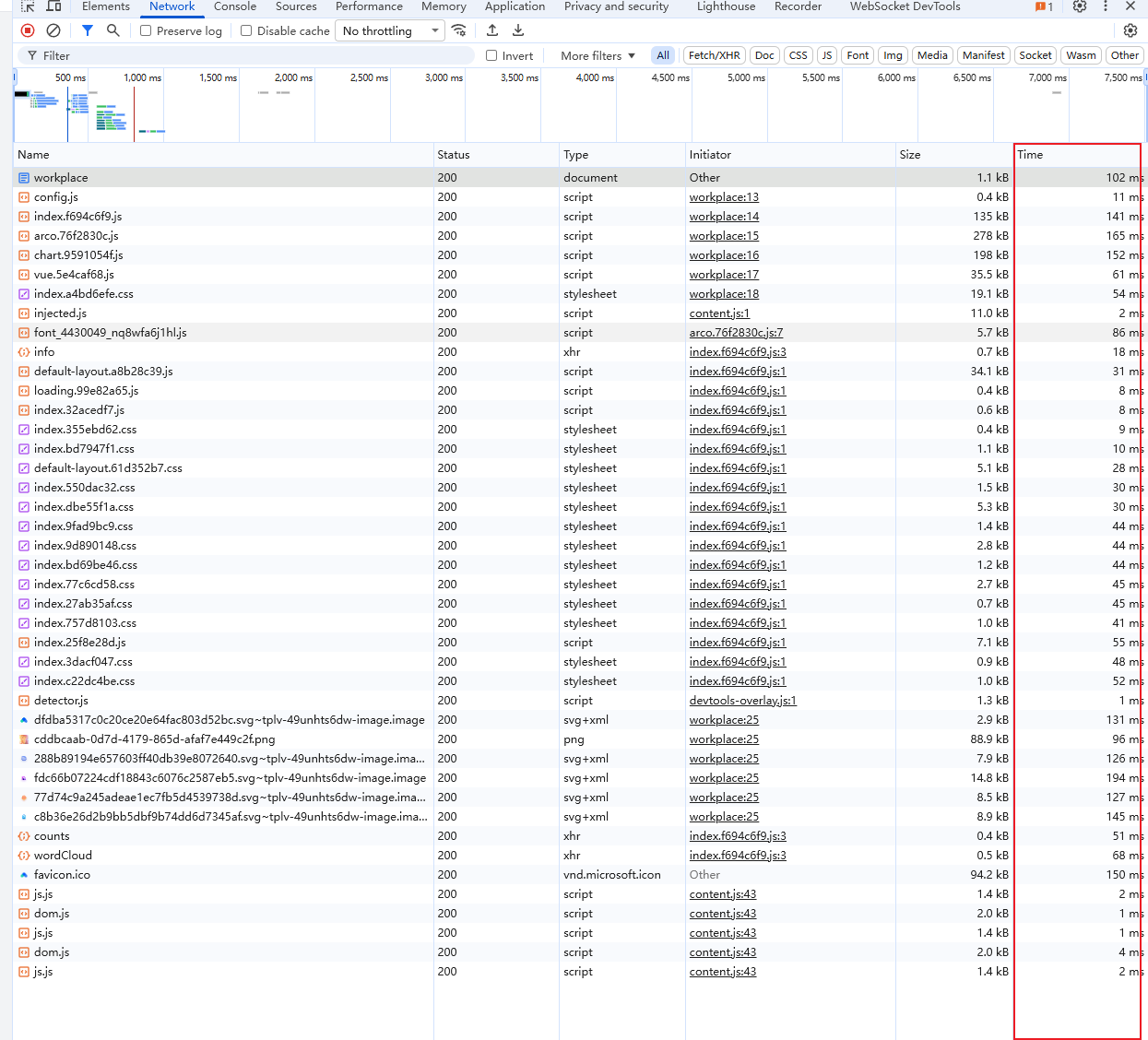
一、服务器相关优化
1. nginx开启gzip
    gzip on;  #核心开关:启用 Gzip 压缩
    gzip_min_length 1k;  #压缩阈值:仅压缩大于指定大小的资源
    gzip_comp_level 5;  #压缩级别:控制压缩率(速度与体积的平衡)
    gzip_types text/plain text/css application/json application/javascript text/xml;  #压缩类型:指定对哪些 MIME 类型的资源压缩
找一个稍微大的文件测试
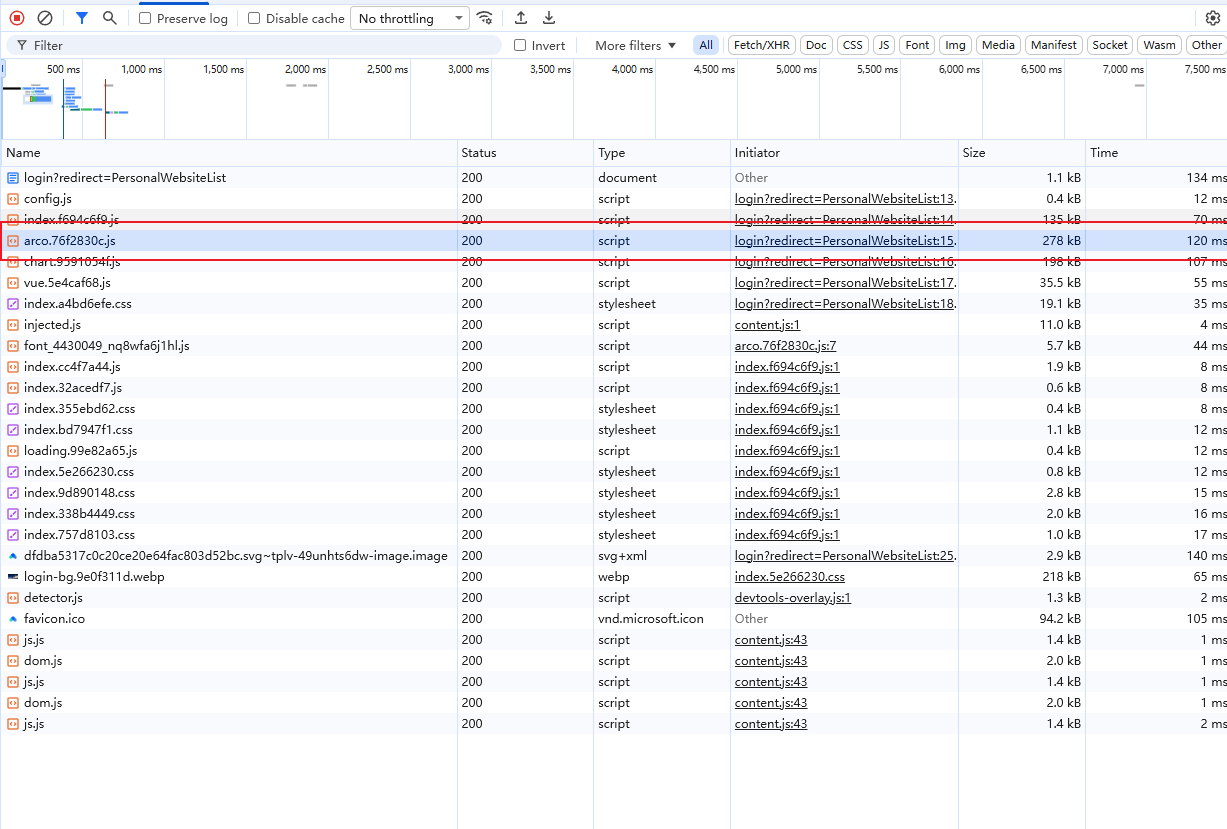
没开gzip
curl -o NUL -s -w "No Gzip: Total Time=%{time_total}s Download Size=%{size_download}B\n" http://bookmark.carolin-violet.cn:8000/assets/arco.76f2830c.js结果如下
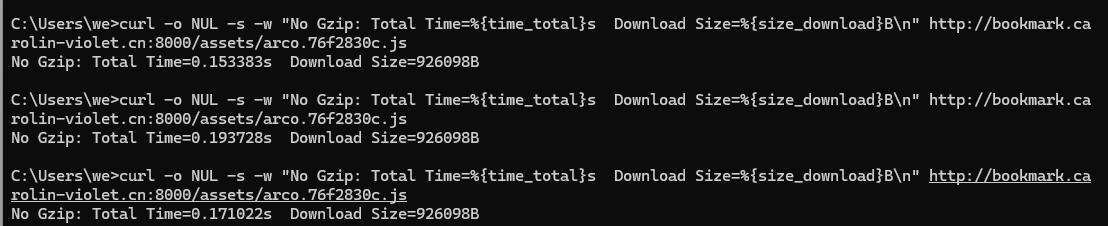
开了gzip
curl -o NUL -s -w "With Gzip: Total Time=%{time_total}s Download Size=%{size_download}B\n" http://bookmark.carolin-violet.cn:8000/assets/arco.76f2830c.js结果如下
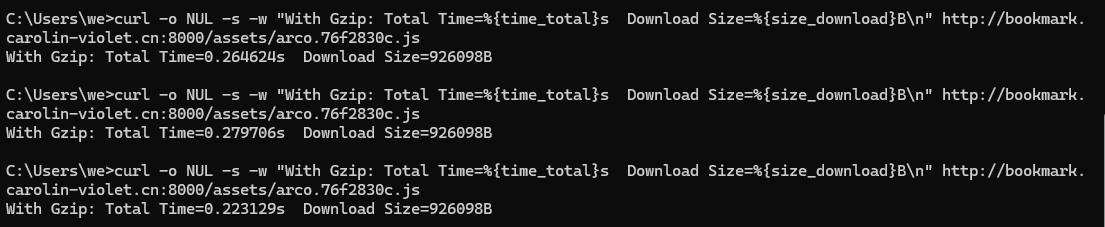
对下下来好像差距不大,具体什么原因有待排查
2. nginx设置浏览器缓存
    #location ~* \.(?:jpg|jpeg|png|gif|ico|css|js)$ {
    #    expires 7d;
    #    add_header Cache-Control "public, max-age=604800";
    #}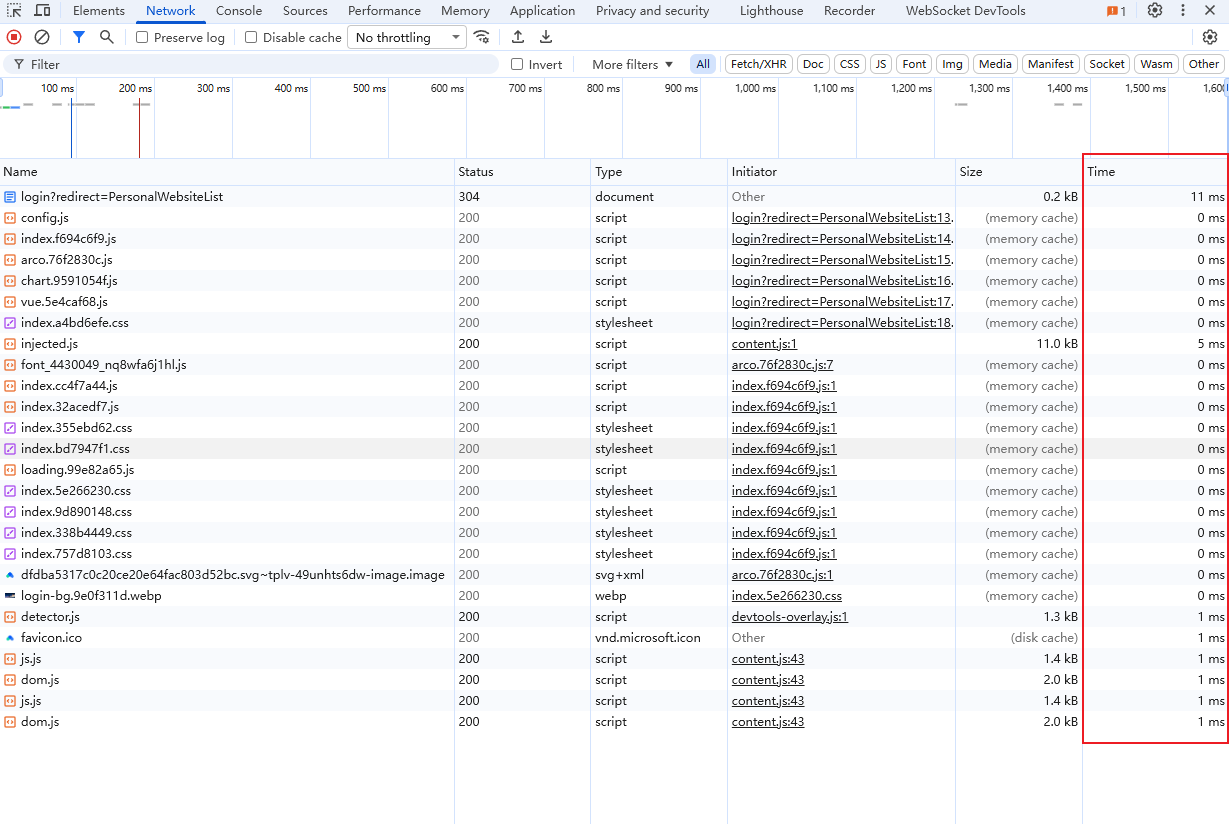
添加缓存后访问速度发生了质的飞跃
3. cdn
由于云服务的cdn需要开钱而且容易被刷流量,所以暂时不考虑
4. http2多路复用
需要先配置ssl证书,暂时先不用
二、 代码层面
1. 图标懒加载
主要实现
html
<img
  src="@/assets/browser.svg"
  :data-src="`https://www.google.com/s2/favicons?domain=${website.url}`"
  alt=""
/>
js
// // 图标懒加载
function useLazyLoadImg() {
  let container: HTMLElement;

  function lazyLoad() {
    const imgs: HTMLElement[] = Array.from(container.querySelectorAll('img'));
    const options = {
      rootMargin: '0px',
      threshold: 0.1,
    };
    const imageObserver = new IntersectionObserver((entries) => {
      entries.forEach((entry) => {
        // 通过该属性判断元素是否出现在视口内
        if (entry.isIntersecting) {
          const img = entry.target as HTMLImageElement;
          img.src = img.dataset.src!;
          // 图片加载完成后解除监听
          imageObserver.unobserve(img);
        }
      });
    }, options);
    imgs.forEach((img) => {
      // 只有添加了data-src的img标签才监听
      if (img.dataset.src) {
        imageObserver.observe(img);
      }
    });
  }

  function loadImg(originalContainer: HTMLElement) {
    container = originalContainer;
    lazyLoad();
  }

  return { loadImg };
}

export default useLazyLoadImg;
三、lighthouse分析改进
暂无